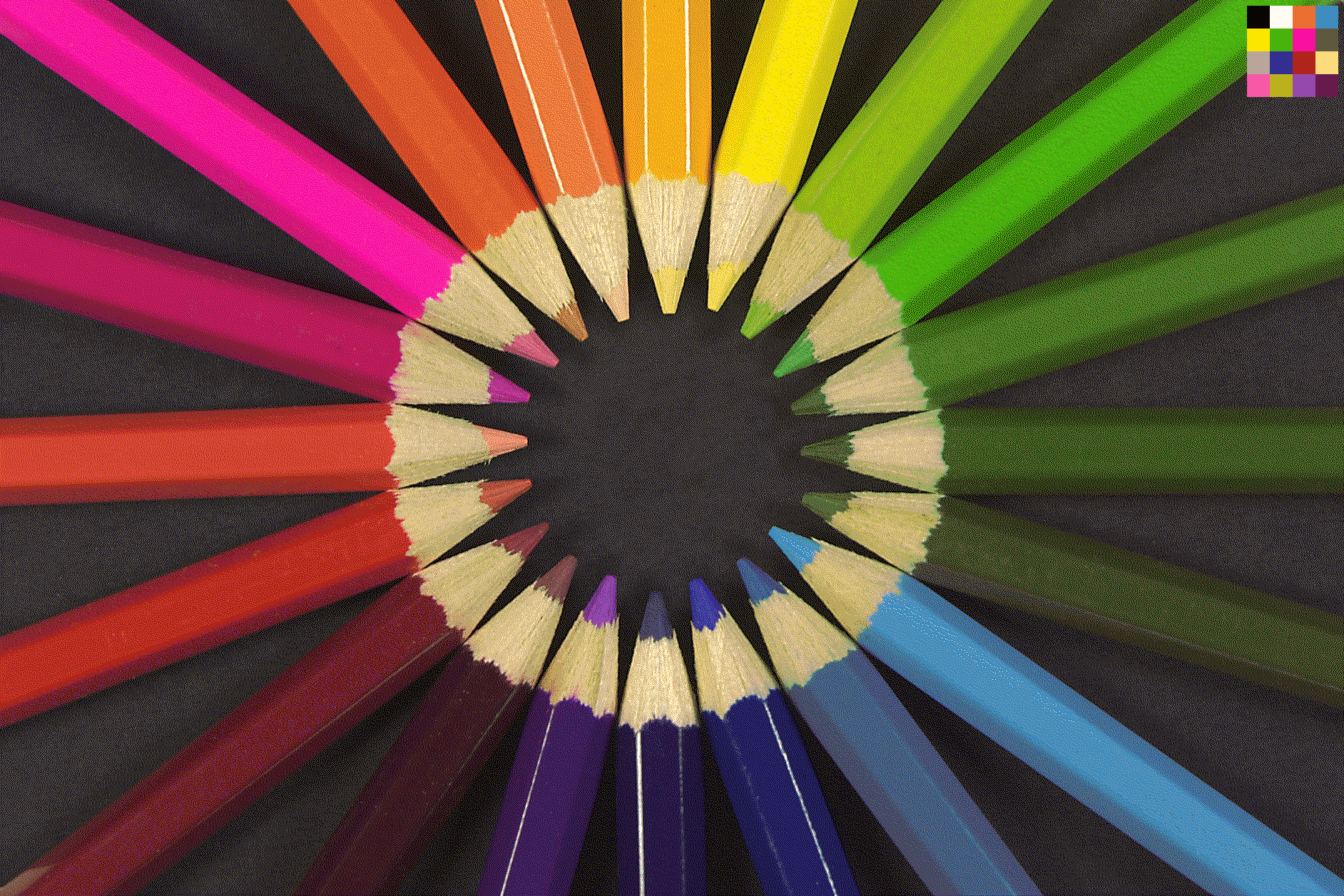
Are you counting in pencils, or colors? Do you see 16 or 20?
Dithered for your viewing pleasure…
You must log in or # to comment.
More than 20.
Considering that the paint on the pencils doesn’t precisely match the “leads”, and there’s the wood tone as well as he background color…
The top right corner is the optimized 16 color palette this image is rendered in, only 4 bits per pixel, so there’s only 16 colors in this image.
Zoom in, it looks a bit grainy. That’s dithering. The real magic here is finding an optimal reduced palette with the best colors to represent a particular image.
Neat!
I love the layers of word play mingled with the technology and art of this :)
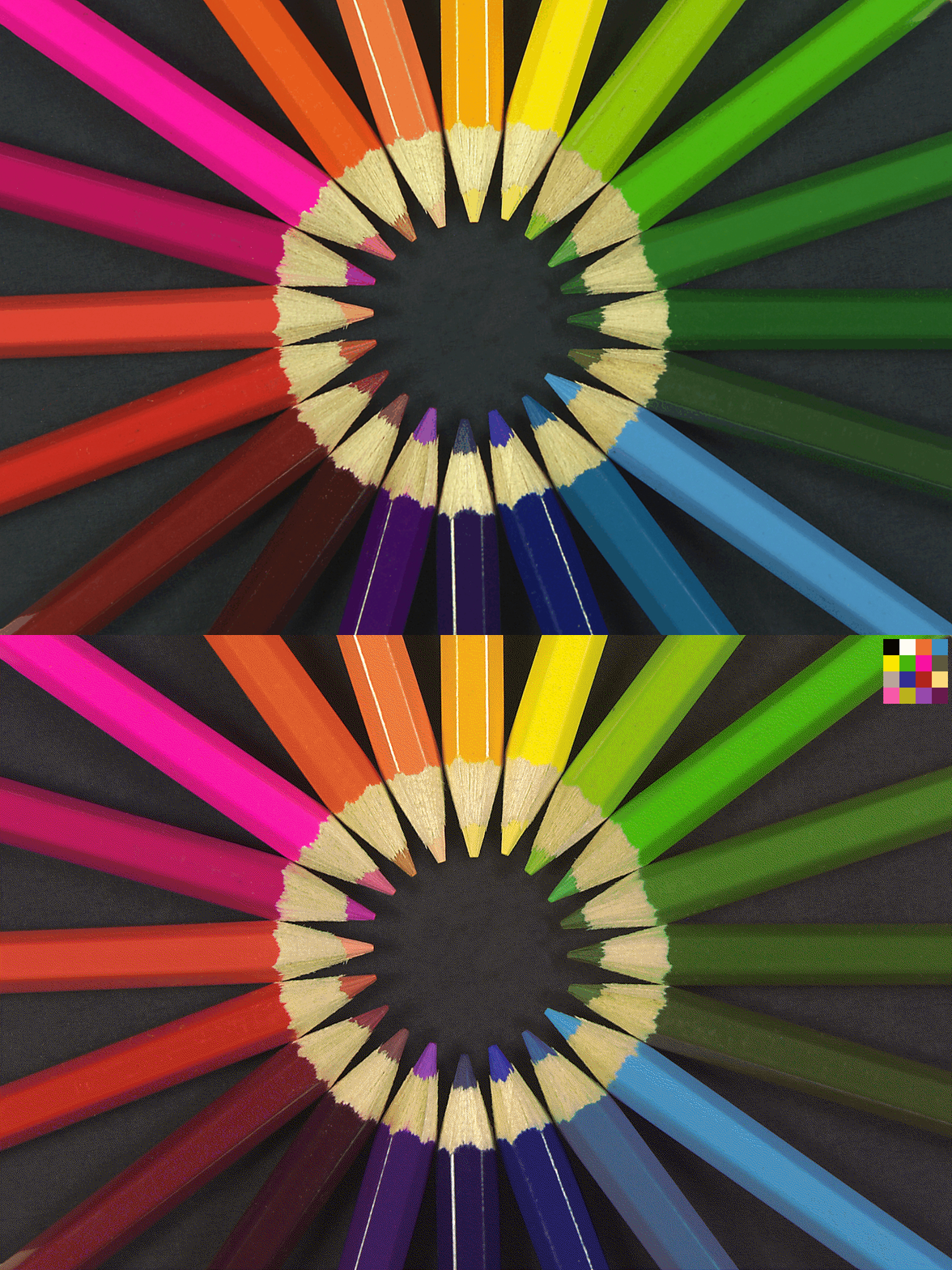
I see the 3 green tips on the right as the same, and the 2 yellow tips on top as the same. The shaft colors still appear different. I created a gif to compare the before/after, too big to upload here so here’s a link:

(Plain link in case it gets gobbled up: https://files.catbox.moe/wtv6hu.gif)
You’ll have to open it in a new tab, otherwise the browser’s dithering starts fighting with your dithering. I think the green loses the most from the dithering, but the other colors are represented pretty well. I’m vaguely aware of the various dithering techniques, is this a variation of an existing algorithm you’re implementing, or something custom?
The error diffusion technique itself is the same standard error diffusion used in Paint Shop Pro 3.11 and beyond, and I’m sure pretty much every other graphics editor out there.
What I’m doing different is the palette reduction algorithm itself, my algorithm for that is totally custom made.
Rather than studying the color space densities and frequencies and stuff like that, I start by finding the darkest and brightest pixels in the image, then loop over the image over and over, seeking the next color in the image that’s as absolutely as far as possible away from all previously detected palette entries.
The process unfortunately gets exponentially slower the more colors its gotta find, but guarantees a fairly evenly sparsely spaced out color palette within the color space perfectly tailored to the given image.
Then I just use that palette rather than median cut or octree reduced palettes in any typical error diffuser that accepts imported palettes.
16 color is about as minimal as it gets where it really stands out above other reduction techniques. 256 color is brutally slow and might take my system a half hour to process, but yields results practically indistinguishable from full truecolor images.
The main benefit I’ve noticed, and the whole reason I designed it, is that my reduction method practically eliminates color washout in the reduced palette and gives the most vibrant colors.
Edit: I’m sure theres room for optimization, I actually wrote the first version of this reduction algorithm about 18 years ago.
I’m sure you might like to see the original to make better comparisons, I got the original from the second example in this comment…
https://discuss.online/comment/21508575
Even in the original, the tips of those 3 dark green pencils looks damn near the exact same color, likewise with those 2 yellows.
I do like to think that my reduced 16 color palette indeed does fit the image rather well, especially when viewed as intended at 1:1 pixel scale.