

4·
6 days agoFREEDOM IS DEAD
DISINFORMATION IS FUEL
FACEBOOK IS FULL
Sound technician from Spain. Late millenial. I like videogames. I use arch btw.
Trans rights are human rights
FREEDOM IS DEAD
DISINFORMATION IS FUEL
FACEBOOK IS FULL

Shadow Tactics: Blades of the Shogun. Got it for free on Epic a while ago, tried it, and didn’t finish the first mission (got stuck at the final part).
I picked it up again after upgrading my steam deck’s storage, and this time I did finish the tutorial! It is fun to play so I hope it sticks for a bit :)
G in Spanish is also throaty R before E and I… Unless succeeded by U (ga gue gui go gu, vs ge gi)
Soooo we kinda fucked up too
(if you’re wondering, what if you wanna say gue and pronounce the U? Then we use a “diéresis”, like cigüeña)

Yeah, next one is on March 26, 2407.
Crows: You:
Not knowing how Venn diagrams work :P
Beep
Beep beep
Beep beep
Beep boop
Pattern recognition goes brr
It was funny like the first two times. Humor used to be more “random”, people got tired cause it’s overdone now.
Idk about other languages, but in Spanish “male/female” is reserved for animals*. So it’d be freaking weird to use it in English.
^*it can be used for people but not in 99% of contexts.^
Just by opening wikipedia “In computing, source code, or simply code or source, is a plain text computer program written in a programming language.” So what programming language is it?

If Russia stops the war on Europe you mean??
That’s a stupid argument, because if you body shame you’re saying some bodies are “worse” than others, regardless of the reason why. Same reason deadnaming is never good, you’re just invalidating trans people to make a person you don’t like feel bad.
If they have the wrong attitude, why not criticize that?

My goodness, falling asleep while you drive is dangerous!

For me at least, BotW was more about the movement and traversal problem solving than anything else. Of course it has action elements and it’s super different to DS in many ways, but the pathfinding part tickles the same part of my brain in both games, idk.
I think Elden Ring is way different because it’s an action game, where the fights take center stage, and not so much the movement mechanics (although the exploration is great in its own way).
No.
Play Death Stranding instead, it’s closer to the exploration/traversal aspect of BotW at least.
2.176434×10⁻⁸ kg
1.416784×1032 °C
I unplugged the bassist but noone noticed

It’s about preserving the consumption culture for the mainstream. If playing older games for free was easier and legal, more people that now only play the newest AAA garbage would start doing it, and corpos don’t want to risk that culture change, because if it gets big enough it would definitely impact their sales.
Unfortunately not many people know or care about indie games and free games like Beyond All Reason, Shattered Pixel Dungeon, etc. as is.










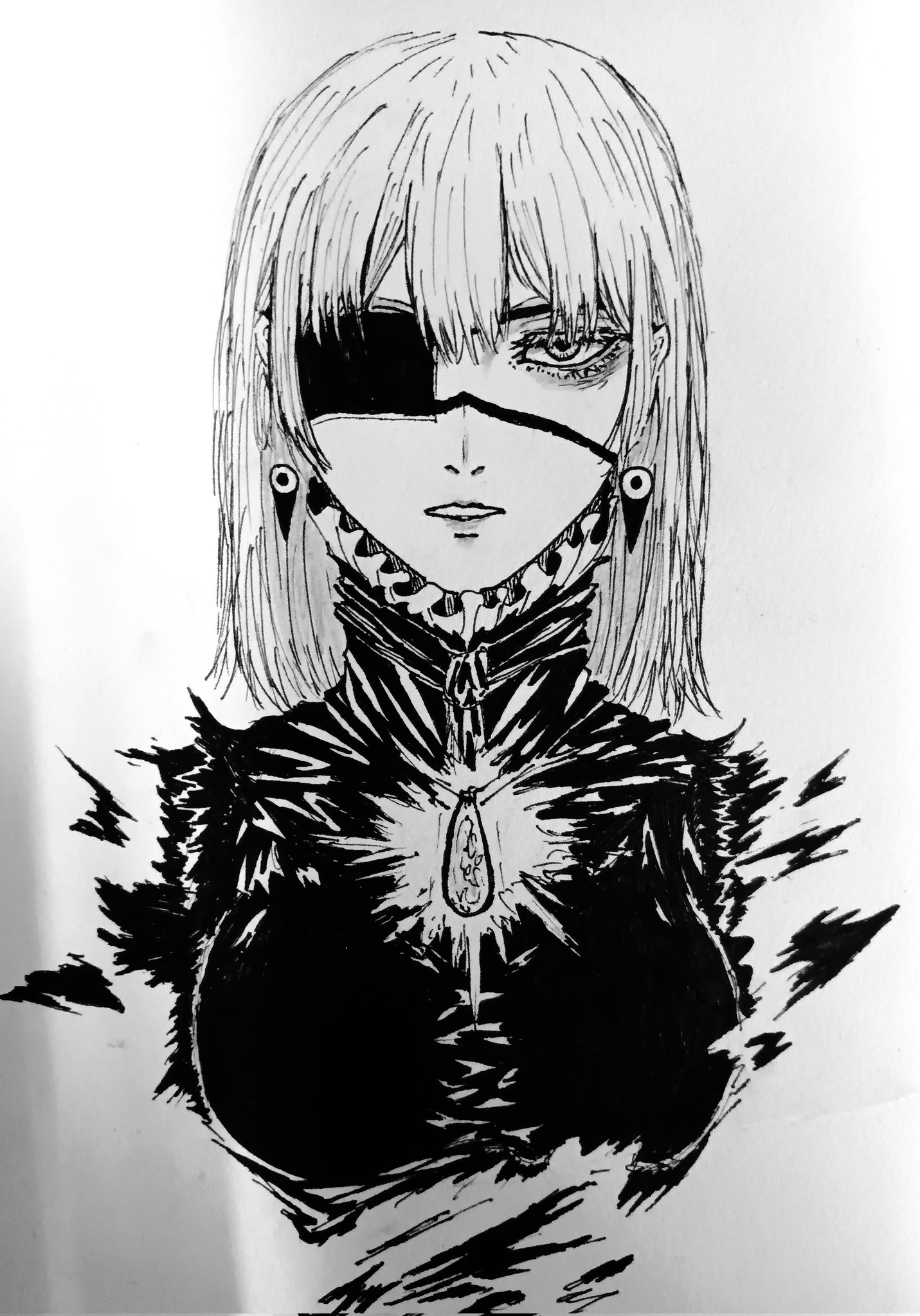
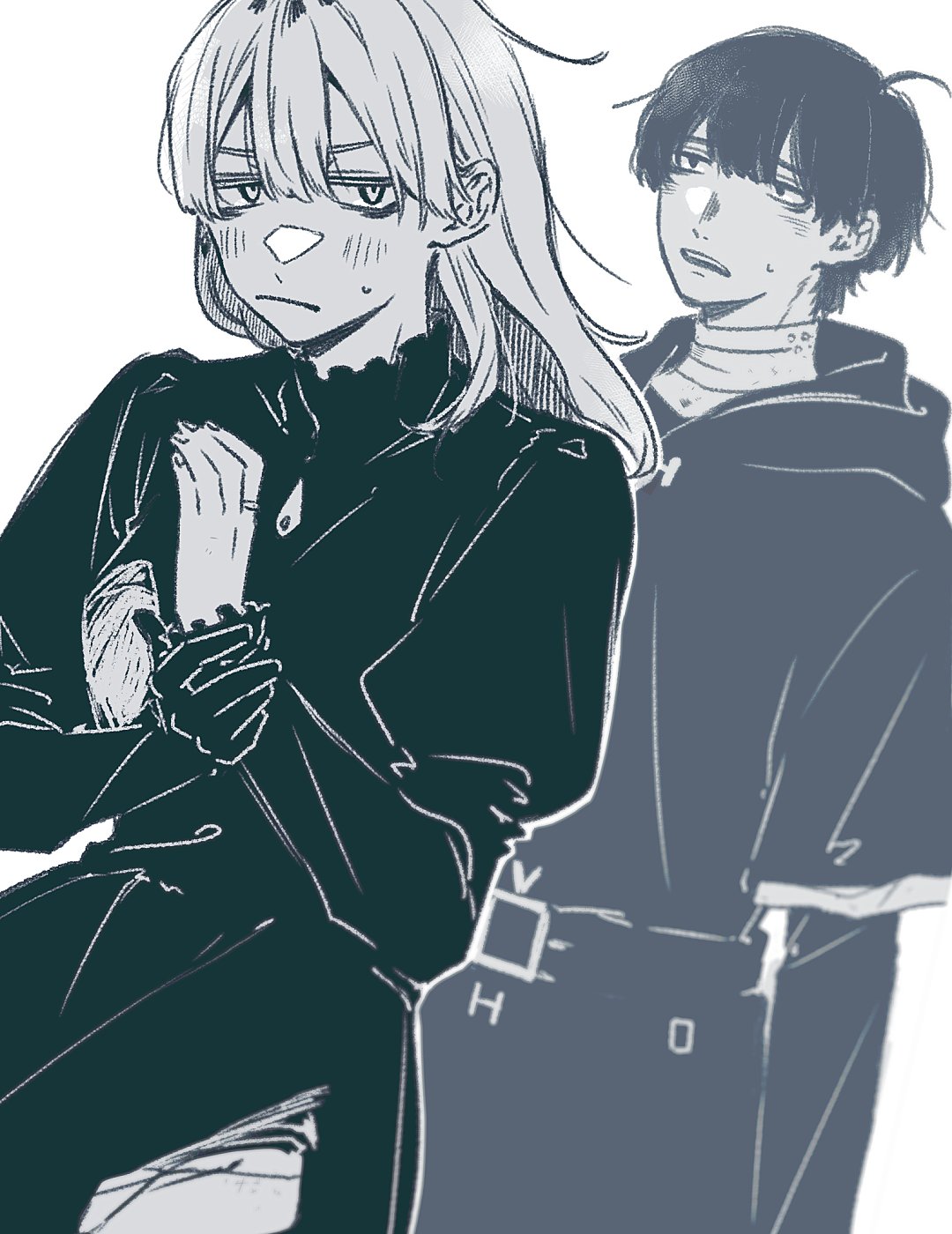
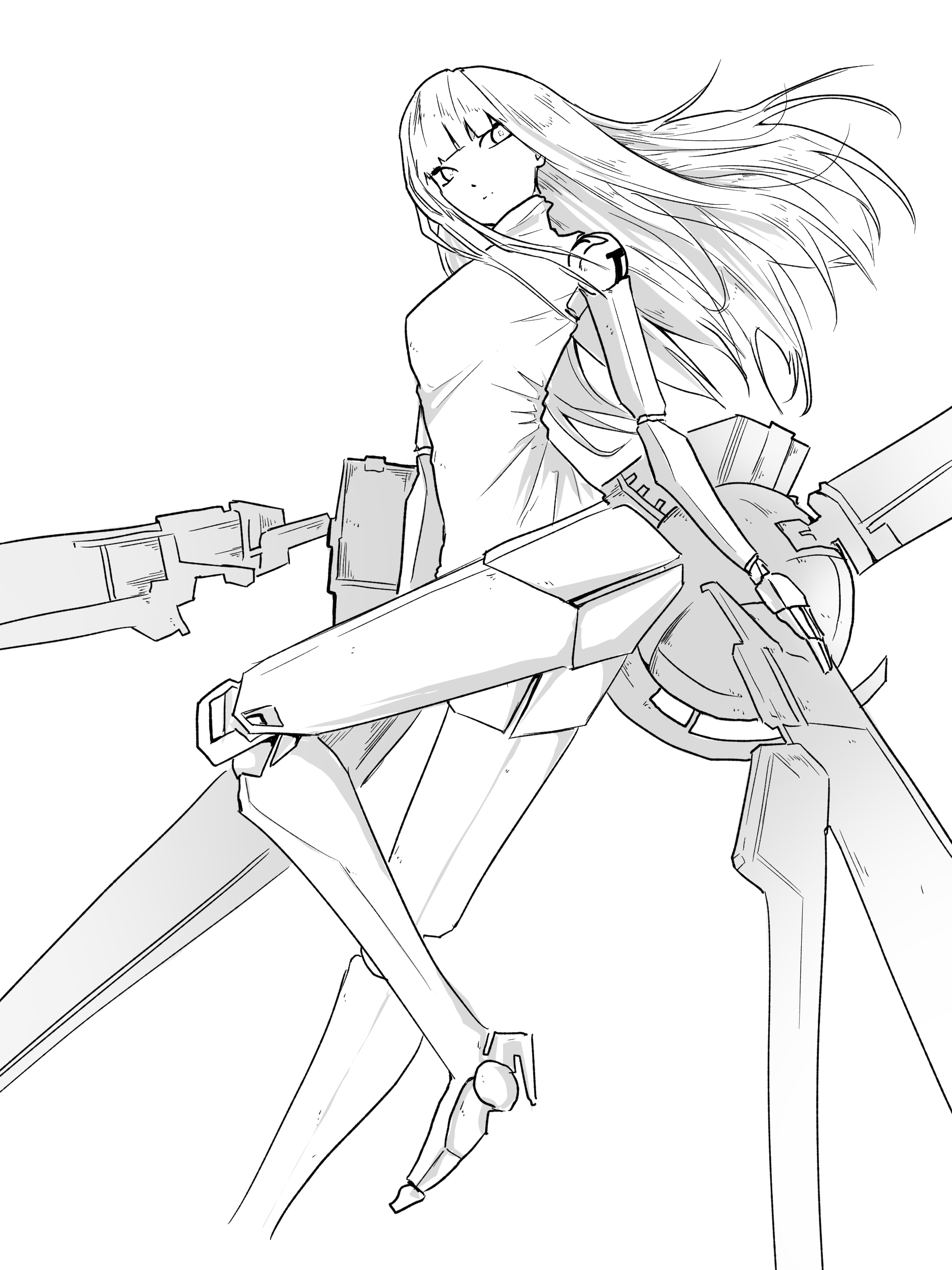
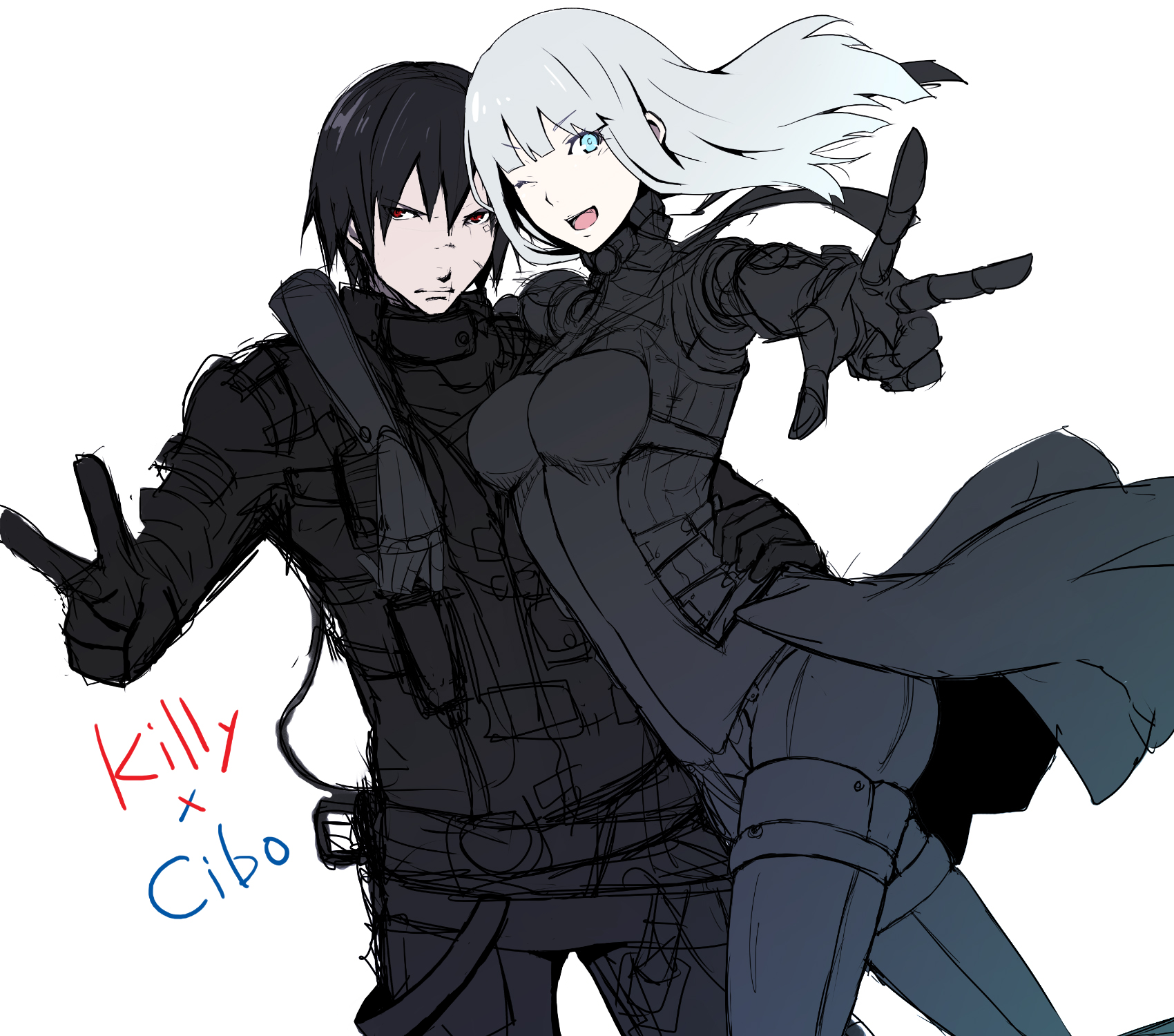
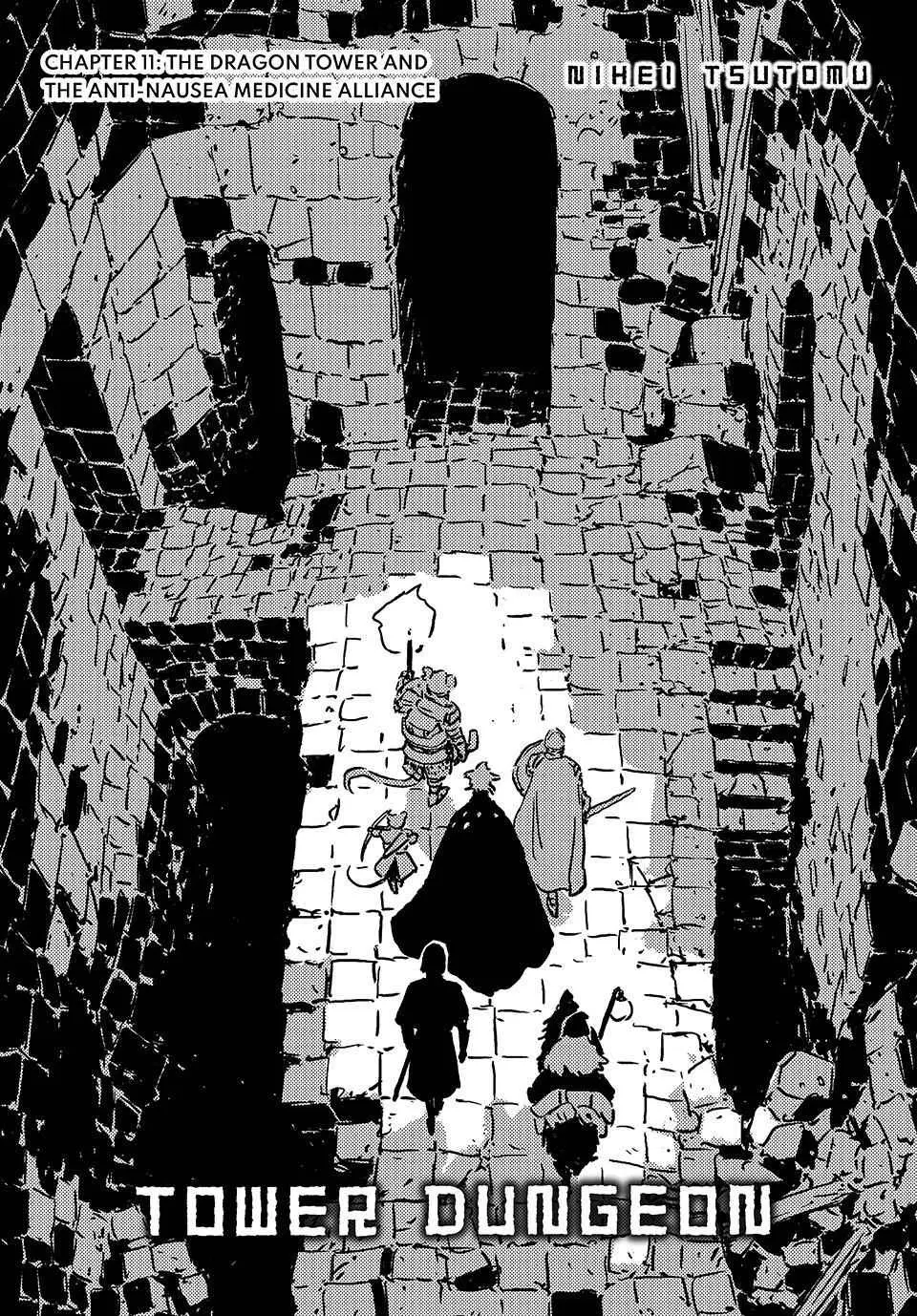
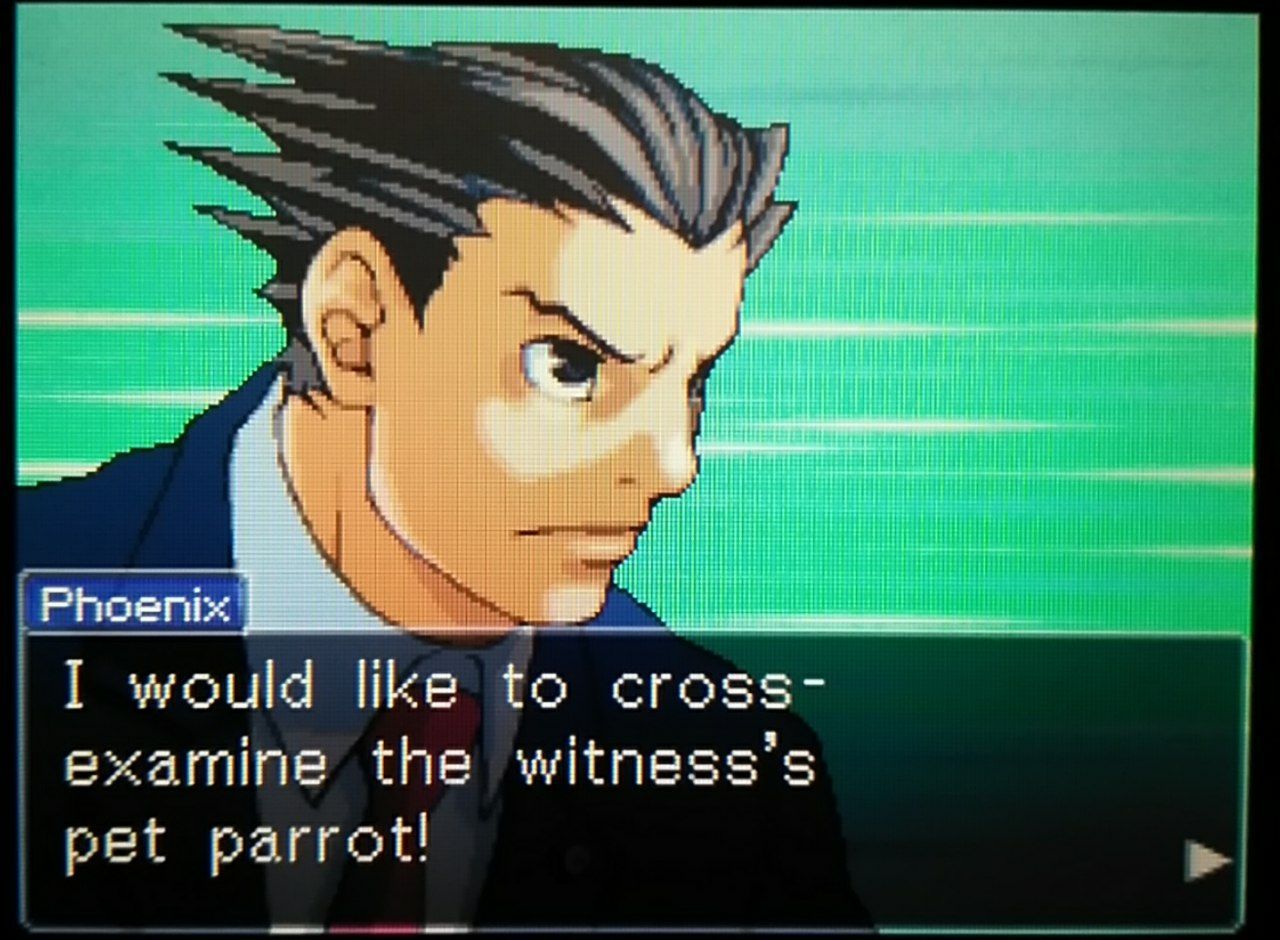
The animator worked on Kill la Kill, which has the same dynamic style as Ping Pong, so it makes sense.